
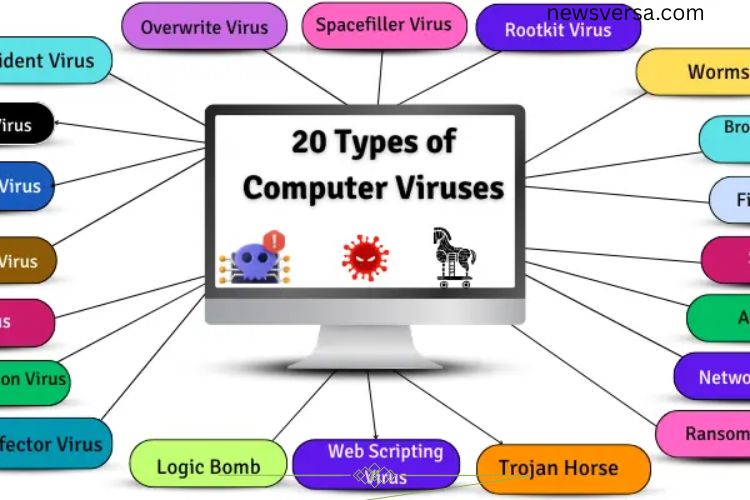
In today’s digital world, computer viruses are one of the biggest threats to your data and devices. With countless types and names, it’s easy to feel overwhelmed. Understanding these viruses, how they spread, and how they affect your computer is crucial to staying safe. This guide explores 20 common types of computer viruses, revealing their dangers and offering insight on protecting your system.
Read More: Mastering Computer Input Devices: The Ultimate Beginner’s Guide to Effortless Control
What Are Computer Viruses?
A computer virus is a malicious program designed to disrupt, damage, or gain unauthorized access to your computer. Viruses can infect files, programs, and even hardware, often spreading without your knowledge. Recognizing the different types helps you prevent infections, minimize damage, and secure sensitive data.
Boot Sector Virus
A Boot Sector Virus targets the part of your computer responsible for starting up, known as the boot sector. It hides in the hard drive or removable media like USBs and floppy disks. Once active, it can prevent your system from booting and may even crash your computer.
Example:
- Stone Virus – makes computers unbootable.
- Form Virus – spreads through infected disks.
Resident Virus
Resident Viruses embed themselves in your computer’s memory, allowing them to stay active even after a restart. They can infect programs and files silently, often causing slow performance and data loss.
Example:
- CMJ Virus – slows down computers by occupying memory.
- Randex Virus – damages critical system files.
Direct Action Virus
Direct Action Viruses activate only when a specific file is opened. They typically target certain files and disappear after completing their task, making detection slightly easier.
Example:
- Cascade Virus – causes text on screens to fall in a waterfall effect.
- Vienna Virus – infects files and slows down systems.
Polymorphic Virus
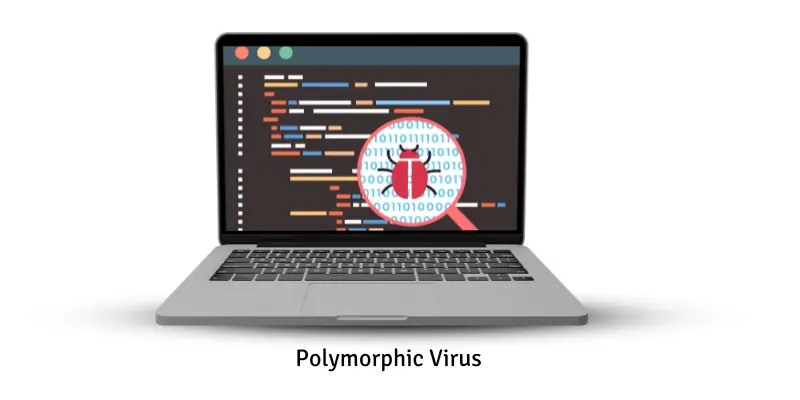
Polymorphic Viruses constantly change their code to avoid detection by antivirus programs. This makes them particularly dangerous, as traditional security software often struggles to remove them.
Example:
- Storm Worm – spreads through emails and alters its code to evade antivirus tools.
- Virlock – locks files while changing to avoid detection.
Multipartite Virus
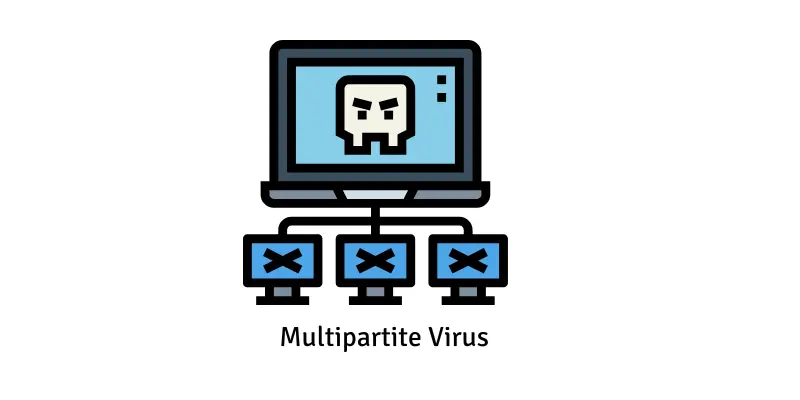
Multipartite Viruses spread in multiple ways, infecting both files and the boot sector. They are notoriously difficult to remove since deleting infected files may not eliminate the virus from memory.
Example:
- Tequila Virus – infects files and boot sectors simultaneously.
- Invader Virus – spreads through files while hiding in memory.
Macro Virus
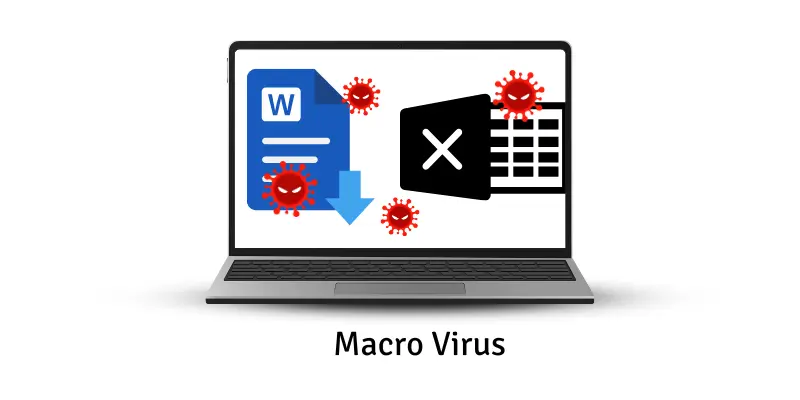
Macro Viruses hide inside document files such as Word or Excel. When the file is opened, the virus activates and spreads to other files, often stealing information or causing corruption.
Example:
- Melissa Virus – spread through Word documents via email attachments.
- Concept Virus – targeted Microsoft Word documents.
File Infector Virus
File Infector Viruses attach to executable files and spread when these files are run. They can corrupt data, slow systems, or even delete essential files.
Example:
- CIH (Chornobyl Virus) – deletes files and damages hardware.
- Salty Virus – weakens system security while spreading.
Overwrite Virus
Overwrite Viruses destroy the original data in a file, replacing it with malicious code. Once infected, the original data is usually irrecoverable.
Example:
- Way Virus – infects .COM and .EXE files, rendering them useless.
- Trj.Reboot – overwrites system files and triggers repeated reboots.
Spacefiller Virus (Cavity Virus)
These viruses hide in unused spaces within files, avoiding detection while still damaging programs or data. They do not increase file size, making them stealthy threats.
Example:
- Lehigh Virus – infects EXE files without altering their size.
- Stealth Virus – hides in system files to evade detection.
Rootkit Virus
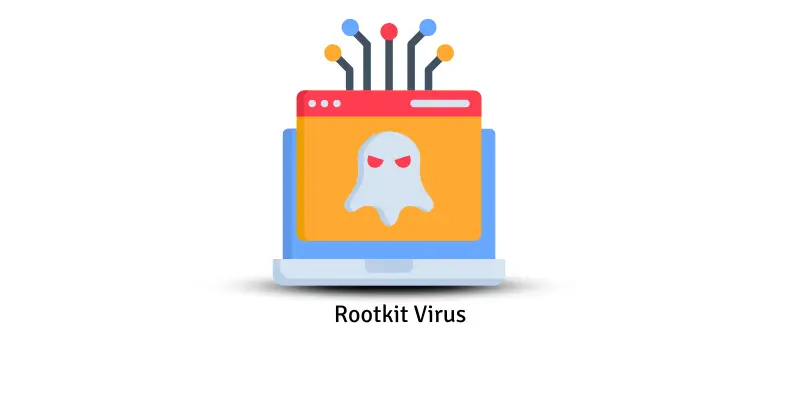
Rootkits burrow deep into a computer’s system, remaining hidden while giving hackers control over the device. They can steal data, manipulate settings, and avoid antivirus detection.
Example:
- Zacinlo – stealthily steals sensitive data.
- Necurs – sends harmful emails while hiding in the system.
Firmware Virus
Firmware Viruses infect hardware-level software like BIOS or motherboard firmware. They persist even after OS reinstallation and can cause hardware damage or complete system control.
Example:
- MoonBounce – hides in BIOS for undetectable infection.
- LoJax – survives system resets by embedding in firmware.
Adware
Adware displays unwanted ads and tracks online activity. While not strictly a virus, it slows systems and compromises privacy. It often enters via free software downloads.
Example:
- Fireball – shows pop-ups and monitors browsing.
- DollarRevenue – inserts ads and affects internet speed.
Spyware
Spyware secretly monitors your activity, collecting sensitive data like passwords and banking information. It can degrade system performance and compromise privacy.
Example:
- CoolWebSearch – alters browsers and displays ads.
- Gator (GAIN) – tracks user activity and sends data to advertisers.
Ransomware
Ransomware locks your files or computer, demanding payment for access. It can cripple systems and cause permanent data loss if ignored.
Example:
- WannaCry – globally impacted computers, demanding ransom.
- CryptoLocker – encrypts files until a payment is made.
Trojan Horse
Trojans disguise themselves as legitimate programs to trick users. Once executed, they can steal data, corrupt files, or grant hackers remote access.
Example:
- Fake antivirus programs – steal personal information under the guise of protection.
- Online game cheats – secretly harm systems.
Computer Worms
Worms self-replicate and spread across networks without user action. They can slow down systems, crash networks, or corrupt files.
Example:
- ILOVEYOU Worm – spread via emails and damaged countless files.
- Conficker Worm – infected millions of computers worldwide.
Logic Bomb
Logic Bombs trigger malicious actions when specific conditions are met, such as opening a file or reaching a date. They can delete data or crash systems.
Example:
- Time-triggered bombs – activate on set dates.
- Email-triggered bombs – execute when a particular email is opened.
Web Scripting Virus
These viruses embed themselves in websites, infecting visitors’ computers. They can steal sensitive data and manipulate web content.
Example:
- Samy Worm – spread through social media platforms.
- XSS (Cross-site scripting) attacks – steal user data.
Browser Hijacker Virus
Browser Hijackers alter browser settings without permission. They redirect searches, display unwanted ads, and track online activity.
Example:
- Ask Toolbar – changes search engines and adds ads.
- CoolWebSearch – redirects to unsafe websites.
Network Virus
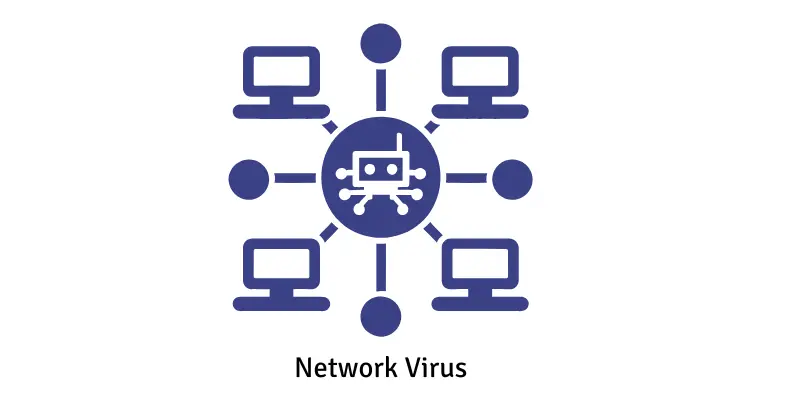
Network Viruses exploit connected systems, spreading across networks and stealing data. They often manipulate browsers or open security vulnerabilities.
Example:
- Zeus Virus – steals banking credentials.
- CoolWebSearch – disrupts networked browsing and inserts ads.
Frequently Asked Questions:
What are the deadliest computer viruses today?
Viruses like Ransomware (e.g., WannaCry, CryptoLocker), Polymorphic viruses, and Rootkits are considered the most dangerous due to their ability to steal data, encrypt files, and evade detection.
How do these viruses spread?
They spread via infected email attachments, malicious downloads, compromised websites, USB drives, and network vulnerabilities. Some viruses, like worms, can even propagate automatically.
Can antivirus software protect against all deadly viruses?
While antivirus programs protect against most threats, advanced viruses like Polymorphic or Rootkits can bypass traditional detection, making regular updates and additional security measures essential.
What are the signs my computer is infected?
Slow performance, frequent crashes, unexpected pop-ups, modified files, unusual network activity, or locked/encrypted files can indicate a virus infection.
How can I prevent these viruses from infecting my system?
Keep your operating system and software updated, use strong antivirus programs, avoid suspicious links and downloads, regularly back up data, and use secure networks.
Are USB drives and external devices a risk?
Yes. Boot sector and file-infecting viruses often spread through USB drives and external storage devices. Always scan devices before use.
Can a virus survive after reinstalling the operating system?
Certain Firmware viruses and sophisticated Rootkits can survive OS reinstallation because they hide in hardware or low-level system areas.
Conclusion
Deadly computer viruses are constantly evolving, targeting both individuals and organizations with increasingly sophisticated attacks. From stealthy Rootkits and Polymorphic viruses to destructive Ransomware and Trojans, each type poses a unique threat to your data, privacy, and system performance. Understanding these viruses is the first step toward protecting your devices and sensitive information. Proactive cybersecurity measures—such as keeping software updated, using reliable antivirus programs, avoiding suspicious downloads, and regularly backing up data—can significantly reduce your risk. By staying informed and vigilant, you can uncover hidden threats before they compromise your system, ensuring a safer and more secure digital experience.