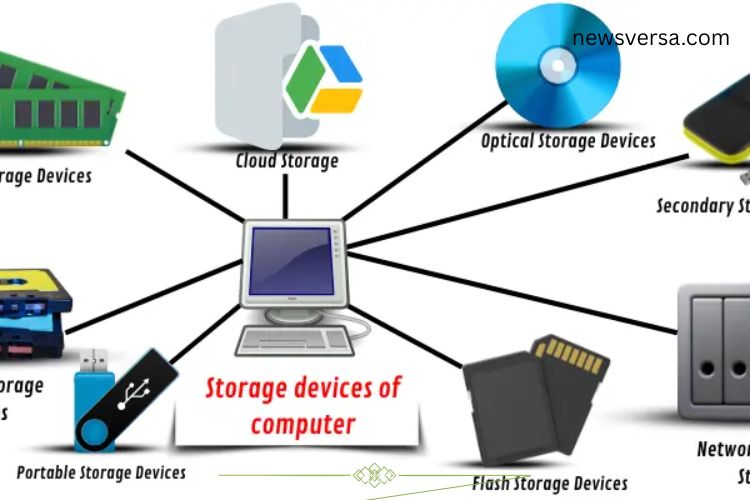
Imagine a world without storage devices—no saved photos, no important documents, and no way to access your favorite games. Storage devices are the backbone of every digital system, designed to meet a variety of needs. From temporary memory that boosts your computer’s speed to permanent storage for keeping valuable files safe, each type of storage plays a critical role. Let’s explore the different types of storage devices and understand how they work.
Read More: Powerful Guide to Computer Output Devices – Clear, Simple, and Easy-to-Understand Explanation
Types of Storage Devices
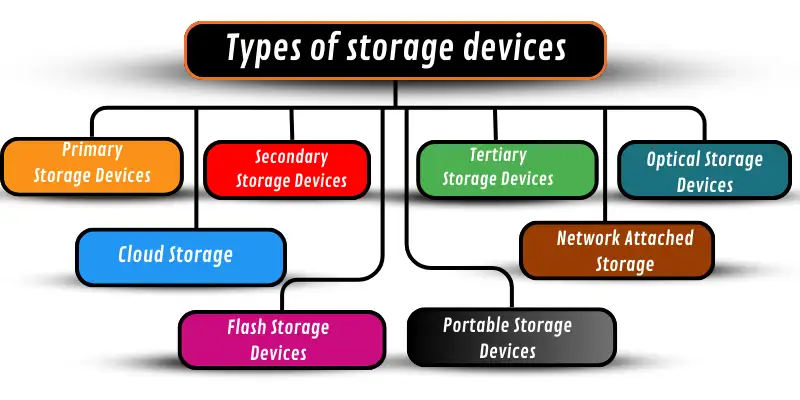
Storage devices can be categorized based on how long they store data and how they interact with your computer. Some store data temporarily to speed up operations, while others keep information safe for years. Each type of storage is designed to enhance a computer’s performance and ensure your data is always accessible.
Primary Storage Devices
Primary storage devices, also called main memory, temporarily store data while the computer is running. They provide fast access to data and programs, allowing your system to work efficiently. Without primary storage, computers would struggle to run applications smoothly, leading to slower performance.
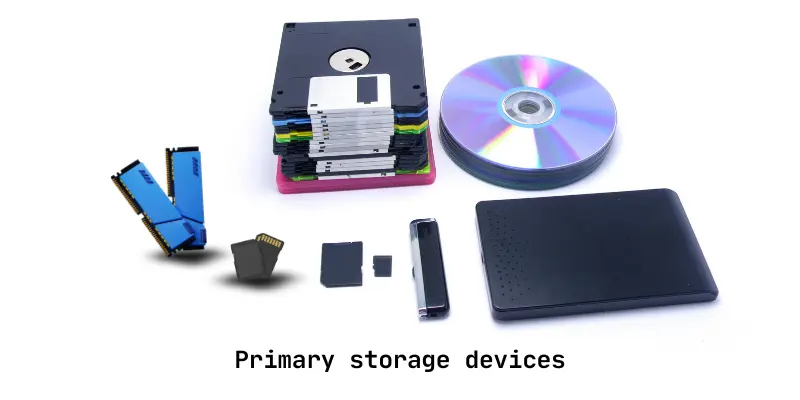
Examples of primary storage devices:
- RAM (Random Access Memory): Loads programs quickly for immediate use.
- Cache Memory: Stores frequently used data for rapid retrieval.
- ROM (Read-Only Memory): Holds permanent instructions for system boot.
Primary storage ensures that your computer operates efficiently and responds quickly to commands.
Secondary Storage Devices
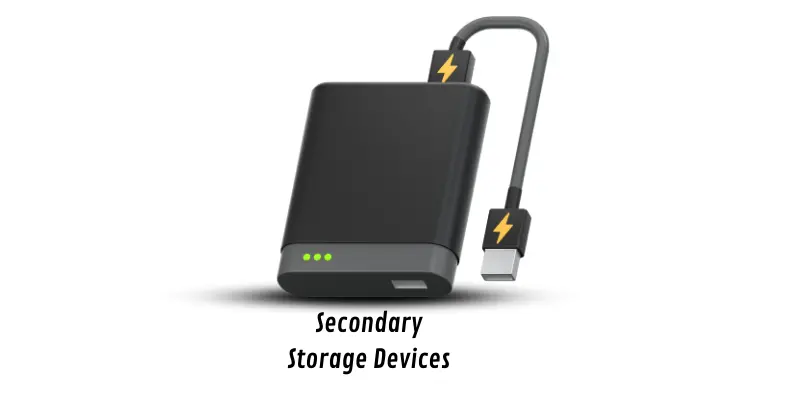
Secondary storage devices provide long-term storage for files and programs. Unlike primary storage, data in secondary storage remains intact even when the computer is powered off. These devices are ideal for storing documents, photos, videos, and software.
Examples of secondary storage devices:
- Hard Disk Drives (HDD)
- Solid-State Drives (SSD)
- CDs and DVDs
Secondary storage allows users to retain essential files without worrying about power loss, making it a fundamental component of any digital system.
Tertiary Storage Devices
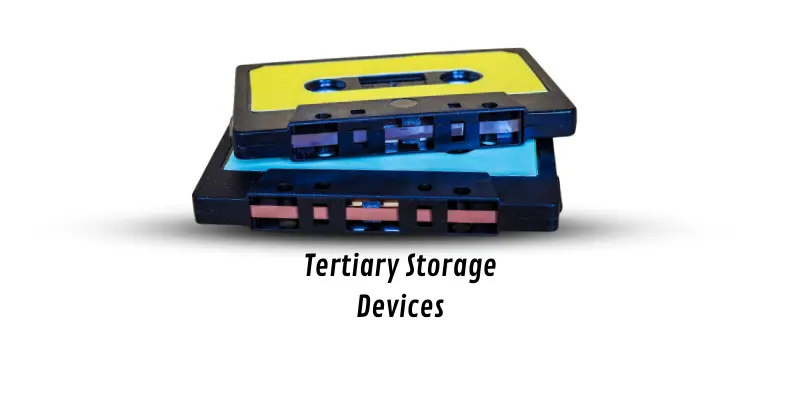
Tertiary storage devices are designed to store large volumes of data that are accessed less frequently. They are typically slower than primary or secondary storage but are excellent for backup and archiving purposes. Organizations often use tertiary storage to maintain records, databases, and historical information safely.
Examples of tertiary storage devices:
- Magnetic Tape
- Optical Jukeboxes
- Cloud Archiving Systems
Tertiary storage provides a reliable solution for long-term data preservation and disaster recovery.
Optical Storage Devices
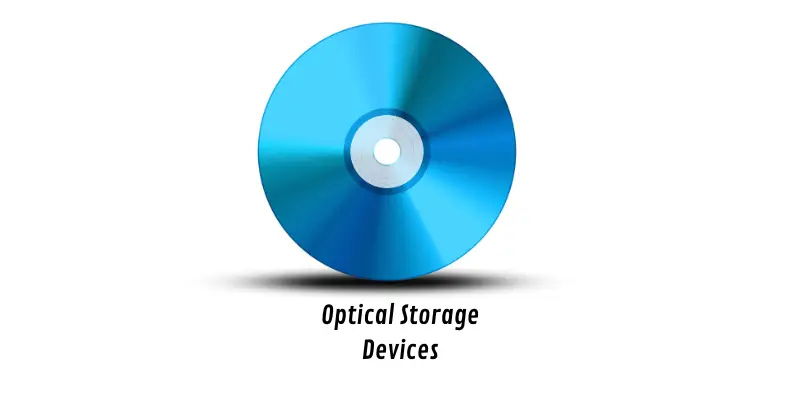
Optical storage devices use lasers to read and write data onto discs such as CDs, DVDs, and Blu-ray discs. They are commonly used for storing media like music, movies, and software. Optical storage is durable and can preserve data for years, though it is generally slower than other storage options.
Advantages:
- Long-lasting storage
- Resistant to magnetic interference
- Ideal for media distribution
Optical storage remains a practical option for keeping data safe while maintaining offline accessibility.
Network Attached Storage (NAS)
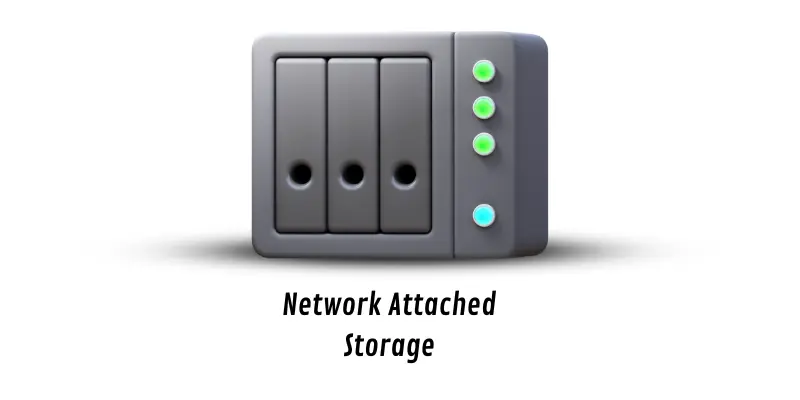
Network Attached Storage, or NAS, connects to a network, allowing multiple users to access and share files. NAS devices act like centralized storage hubs, making it simple to store photos, videos, documents, and backups accessible from various devices.
Examples of NAS devices:
- Synology NAS
- QNAP NAS
- Western Digital My Cloud
NAS provides convenient file sharing, enhanced data security, and centralized storage for homes and businesses.
Portable Storage Devices
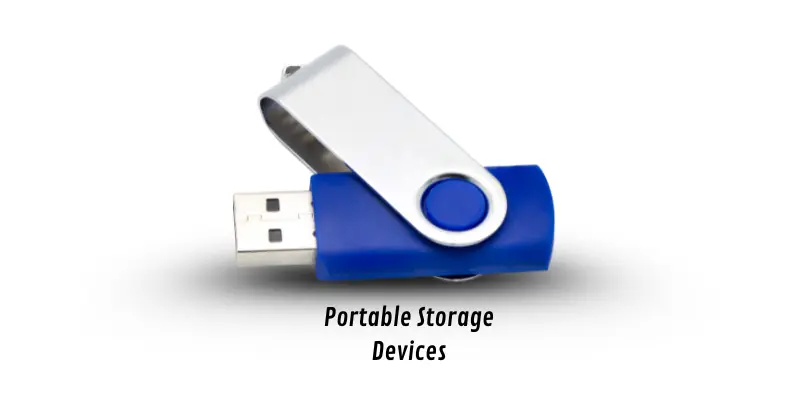
Portable storage devices are compact and easy to transport, making it simple to move data between computers. They are ideal for transferring files quickly or carrying essential documents on the go.
Examples of portable storage devices:
- USB Flash Drives
- External Hard Drives
- Portable SSDs
Portable storage combines convenience with reliability, giving users the flexibility to access their data anytime, anywhere.
Cloud Storage Devices
Cloud storage allows users to save data on remote servers accessed via the internet. Files stored in the cloud can be accessed from any device, offering flexibility and data security. Cloud storage also provides automatic backups, protecting your data even if your device fails.
Advantages of cloud storage:
- Access files from anywhere
- Automatic backups
- Scalable storage options
Cloud storage has become essential for both personal and professional use, making data management seamless and secure.
Flash Storage Devices
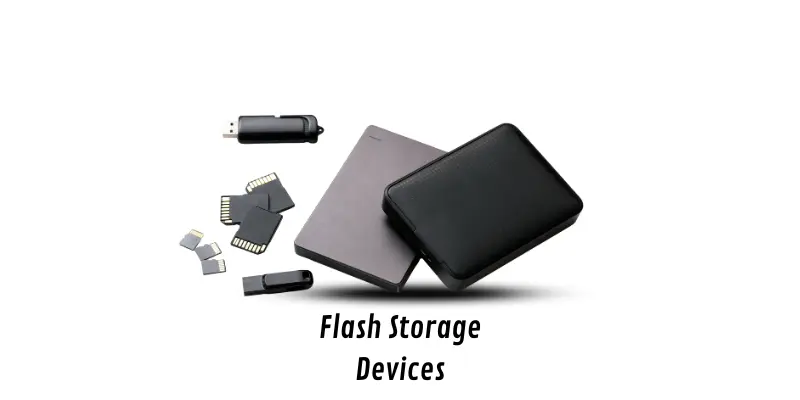
Flash storage is a fast, non-volatile storage solution used in computers, phones, cameras, and other electronics. Flash drives and memory cards allow users to store and transfer data quickly without requiring continuous power.
Examples of flash storage devices:
- USB Flash Drives
- CompactFlash (CF) Cards
- Solid-State Drives (SSD)
Flash storage is favored for its speed, portability, and durability, making it a popular choice for modern devices.
Frequently Asked Questions:
What are storage devices, and why are they important?
Storage devices are hardware components that store digital data. They are essential for saving files, programs, and system data, allowing computers and devices to access information quickly and efficiently. Without storage devices, digital life as we know it wouldn’t exist.
How do optical storage devices work?
Optical storage devices use lasers to read and write data on discs like CDs, DVDs, and Blu-ray discs. They are durable, suitable for media storage, and can preserve data for many years.
What is Network Attached Storage (NAS)?
NAS is a centralized storage device connected to a network. It allows multiple users or devices to store and access files securely and conveniently, making it ideal for homes or offices.
Why is cloud storage becoming so popular?
Cloud storage stores data online, letting you access files from any internet-connected device. It offers automatic backups, high scalability, and protection against hardware failure, making it secure and versatile.
What are the advantages of flash storage devices?
Flash storage is fast, portable, and durable. It doesn’t require power to retain data, works in devices like phones, cameras, and computers, and allows quick file transfers.
Which storage device is best for backup purposes?
Tertiary storage solutions like magnetic tapes, optical jukeboxes, and cloud archiving are ideal for backups due to their capacity, reliability, and long-term data retention.
Can portable storage devices hold large amounts of data?
Yes, modern portable drives like external SSDs and high-capacity USB drives can store large files such as videos, games, and software, making them highly convenient for on-the-go use.
Conclusion
Storage devices are the backbone of the digital world, powering everything from fast computing to secure data management. Each type—primary, secondary, tertiary, optical, portable, NAS, cloud, and flash—serves a unique purpose, ensuring your data is accessible, safe, and organized. Understanding these devices helps you make smarter choices for performance, backup, and long-term storage. Whether you’re a casual user storing photos, a gamer managing large files, or a business safeguarding critical data, selecting the right storage solution can unlock efficiency, speed, and peace of mind. By exploring, understanding, and mastering storage devices, you can confidently manage your digital life and keep your data secure for years to come.